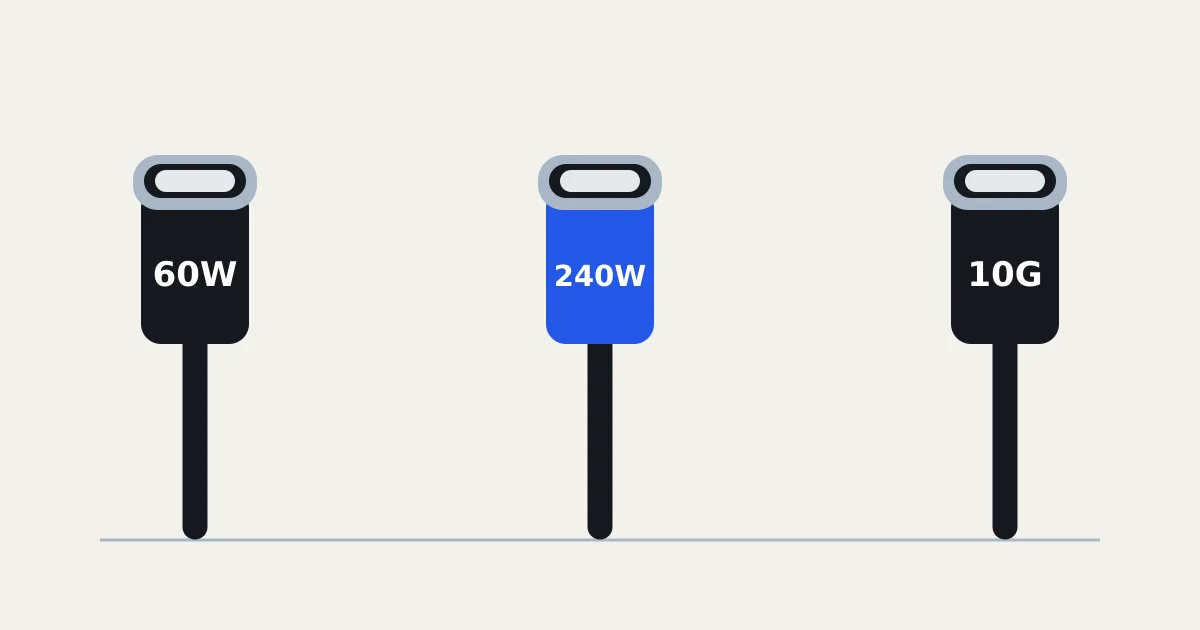
USB-C was supposed to make cables simpler. One connector for your phone, laptop, headphones and everything else. And in one sense, it has.
But there's a catch. Two cables with exactly the same USB-C connector can have very different capabilities. One might be fine for charging your phone, while another can carry enough power for a laptop and transfer large files much faster.
The connector tells you what fits. It doesn't tell you everything the cable can do.
The three things that matter
Charging power. USB-C cables have different power ratings. The USB Implementers Forum (USB-IF), which develops USB standards, uses 60W and 240W markings to help distinguish certified cable capabilities.
A 240W cable doesn't force 240 watts into your phone. The actual charging power depends on the charger, device and their supported charging standards.
Data speed. This is where things get especially confusing. A cable might charge your laptop perfectly well but transfer photos at a fraction of the speed of another cable.
For example, Apple says the USB-C charging cable supplied with an iPhone supports USB 2 data speeds. Some Pro iPhones support transfers up to 10Gbps, but reaching those speeds requires a suitable USB 3 cable.
Video support. A USB-C connector can also carry a display signal, but that doesn't mean every cable and device combination supports an external monitor. You need compatible equipment at both ends.
What about using a laptop charger with your phone?
Usually, a compatible USB-C Power Delivery charger can serve both devices.
USB Power Delivery, often shortened to USB-PD, is the standard that lets devices and chargers negotiate how much power to supply. The USB-IF explains that the specification supports power delivery up to 240W.
Apple also confirms that compatible Mac laptop power adapters can charge an iPhone. But a charger's maximum wattage isn't a promise that your phone will charge at that rate.
There are other limits too. A multi-port charger may divide its available power between connected devices. And an iPhone may reduce charging speed when it gets too warm.
How to choose the right cable
For ordinary phone charging, you probably don't need an expensive high-speed data cable. Check that it supports the charging power your device requires.
For a laptop, check the cable's wattage rating against the laptop and charger. For an external SSD or monitor, look at the supported data rate and display capabilities, not just the shape of the plug.
The USB-IF's certification markings can help. Certified USB-C cables are labelled with their supported power rating, and faster data cables also carry speed information.
So the next time two USB-C cables look identical, check the specifications before assuming they're interchangeable.
Same connector. Different capabilities.
Sources
Every fact in this article comes from one of these.