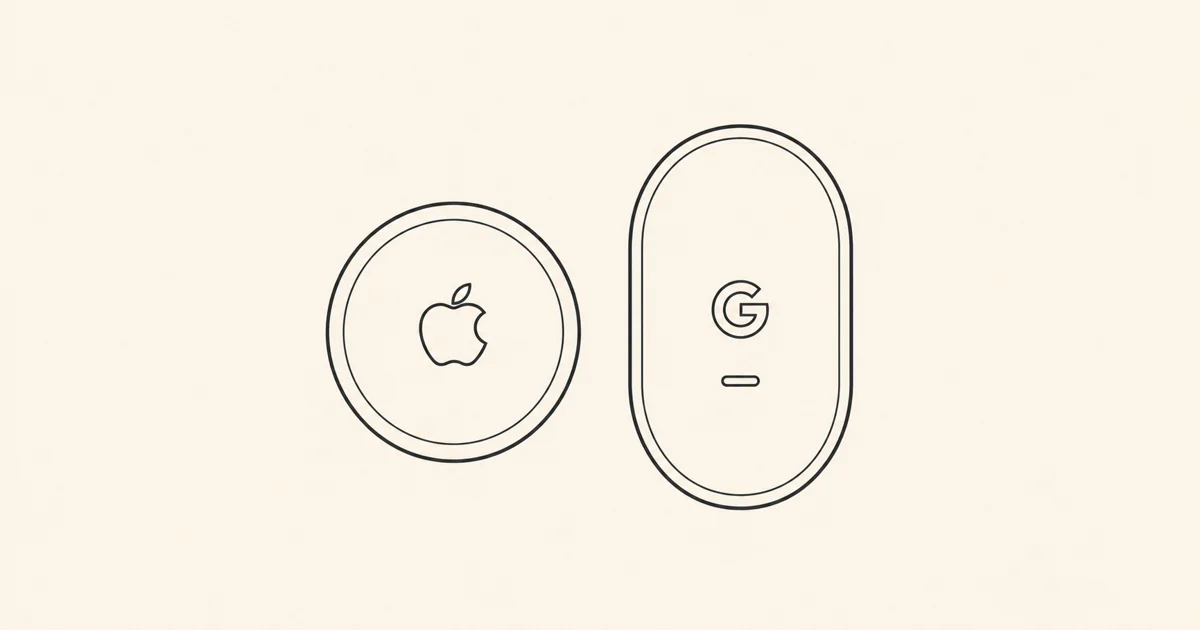
I’m an Apple person, so the interesting question about Pixel Tag is how much of the AirTag experience you’d get if you switched to Android. Compare Apple’s second-generation AirTag with Google’s Pixel Tag and there are two different jobs to consider. First, find out where your bag ended up. Then, once you’re in the right place, figure out which corner it’s in.
Across town, the network does the work
Leave a bag at a café and either tag can send out a Bluetooth signal that nearby devices pick up. AirTag gets its sightings from Apple’s Find My network, which includes iPhones, iPads and Macs. Pixel Tag gets them from participating Android devices through Google’s Find Hub. The pin tells you where the tag was heard. How recently it was heard depends on who’s passed nearby.
Google documents two particularly useful settings to understand. In Find Hub’s busy-places mode, the network waits for reports from multiple Android devices before showing an aggregated location. In the everywhere mode, a participating phone can contribute a location when it’s the only device that detected the tag. That distinction could matter if your bag is at a quiet stop with one passer-by. It’s also why the advertised size of a network tells you very little about how quickly you’ll get a pin at a particular spot.
Under the sofa, your phone matters more
On a compatible iPhone, Apple’s Precision Finding uses ultra-wideband (UWB) to give you an arrow and distance. The second-generation AirTag can also do this from supported Apple Watches. Apple says its range is up to 50% longer than the first AirTag’s. That’s a comparison with Apple’s older model.
Pixel Tag can show an arrow and distance on a compatible UWB-equipped Android phone. It also supports Bluetooth Channel Sounding, which can show how far away the tag is on a supported phone. Think of it as warmer or colder as you walk around. In 9to5Google’s hands-on test, the arrow disappeared within roughly three to four metres on a Pixel 11 Pro XL. A beep can be more useful at that point anyway.
The spec to check is the one for your exact handset. Basic Pixel Tag compatibility starts at Android 9. For the arrow, check UWB support. For the distance-only option, check for Channel Sounding specifically.
The small stuff you’ll notice every day
Both have a replaceable CR2032 battery, and both need a holder if you want to put one on a keyring. Pixel Tag has a handy trick if you regularly lose your phone at home. Press its button and your nearby paired phone rings, even on silent. For travel, Apple lets you share an AirTag’s location with participating airlines, which can come in handy if the airline needs to track down a delayed bag.
If you carry an iPhone, AirTag fits the Find My app you already have. If you’re switching to Android and want the same walk-towards-the-arrow experience, check your new phone for UWB before you buy the Pixel Tag. If you mostly want to know whether your suitcase made it to the airport, it’s the network that matters. For keys you mostly lose at home, a beep might do the job just fine.
Sources
Every fact in this article comes from one of these.